What Are Loops in AI Agents? A Practical Guide for Software Engineers
Most teams treat coding agents like autocomplete with a chat box. They write a long prompt, hope for a clean result, and then manually inspect whatever comes back. That works for small edits. It breaks down for anything that needs iteration: failing tests, CI regressions, UI polish, dependency upgrades, or PR maintenance.
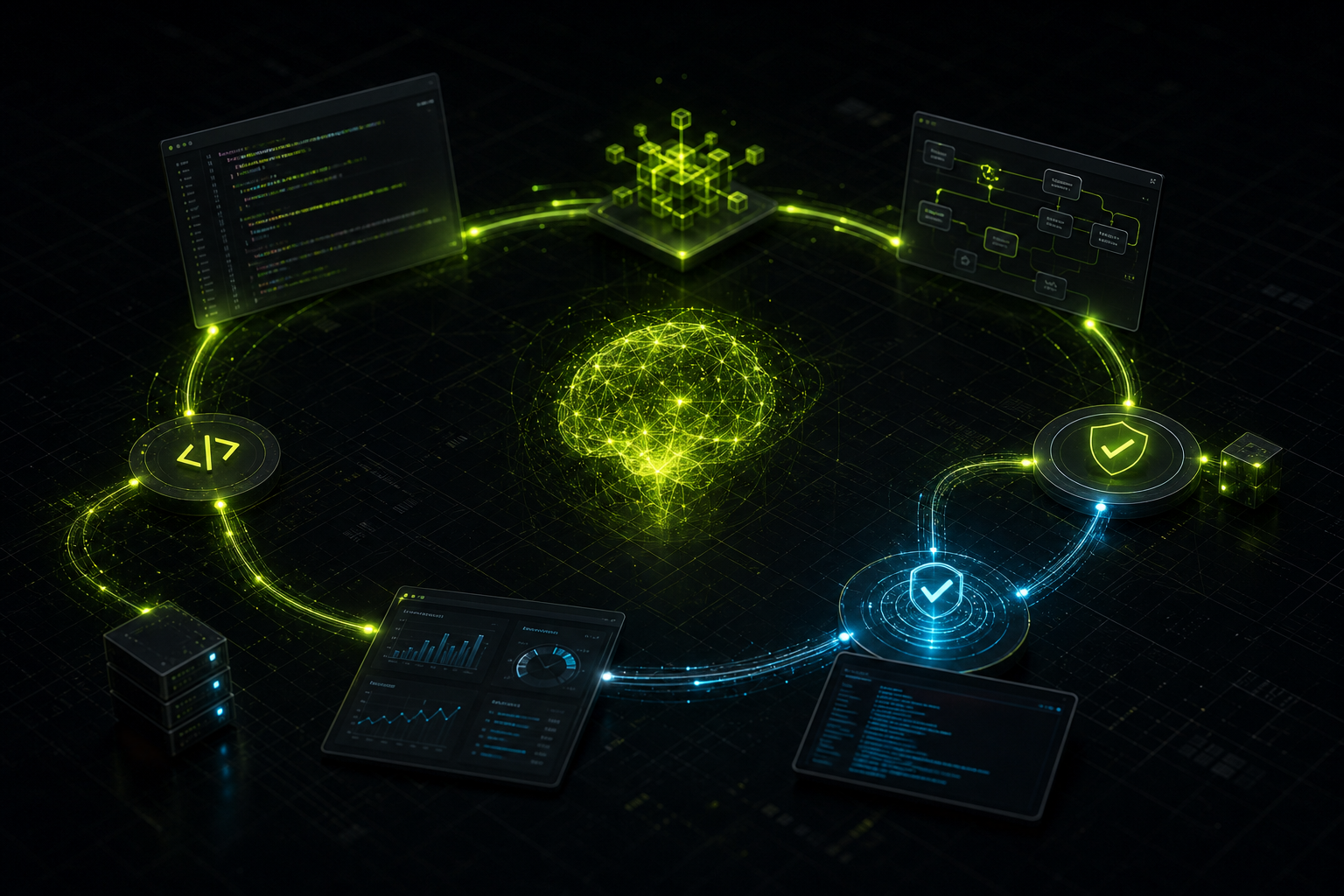
The missing abstraction is the loop: an agent repeatedly observes, acts, verifies, and stops only when a defined condition is met.
Definition: An AI-agent loop is a repeated cycle of work that continues until a stop condition is met.
Prompts delegate a task. Loops delegate a process. That distinction is what separates occasional AI wins from reliable engineering leverage.
The basic agent loop
Every useful loop follows the same cycle:
- Observe — read code, logs, tests, browser state, CI status, or diff output.
- Decide — choose the smallest useful next action.
- Act — edit files, run a command, inspect a system, or create an artifact.
- Verify — lint, test, build, screenshot, trace, review, or compare output against a target.
- Stop or repeat — exit on success, attempt cap, ambiguity, risk, or user escalation.
The loop only works when verification is concrete. "Looks good" is not a stop condition. "All tests pass" is.
Four loop types worth knowing
Not every task needs a complex loop. Start with the simplest pattern that fits. These four cover most real engineering work.
| Loop type | You hand off | Best used for |
|---|---|---|
| Turn-based | The check for this request | Exploration, one-off fixes, tasks where you steer each round |
| Goal-based | The stop condition | Work with measurable exit criteria |
| Time-based | The trigger | External systems that change on a schedule |
| Proactive | The whole recurring process | Well-defined streams of repeatable work |
Turn-based loops
Every prompt you send starts a manual loop. The agent gathers context, takes action, checks its work, and responds. You inspect the result and decide whether to continue.
This is the default agentic loop. It works well for shorter tasks, spikes, and situations where requirements are still fuzzy.
Improve it by encoding your manual review steps as a verification skill or checklist so the agent can self-check before handing work back.
Goal-based loops
When you know what done looks like, hand off the stop condition instead of micromanaging each turn.
Examples of strong goal criteria:
npm run buildandnpm run lintboth pass.- Lighthouse performance score is 90 or above.
- All failing tests in a named suite are green.
- Zero new console errors on the edited page.
Deterministic criteria beat subjective ones. The agent should not guess when "good enough" is reached—you define it upfront and cap attempts so it does not loop forever.
Time-based loops
Some work depends on external systems: CI, PR comments, error logs, queues, support channels. A time-based loop checks on an interval and reacts to what changed.
Examples:
- Every 10 minutes, check PR comments and failing CI; patch actionable feedback until green.
- Every hour, scan error logs for new exceptions and open a triage note.
- Every morning, summarize overnight build failures.
Match the interval to how often the watched thing actually changes. Checking every minute when CI runs twice a day wastes tokens and attention.
Proactive loops
Proactive loops combine scheduling, goals, and verification for recurring streams of well-defined work: bug triage, dependency upgrades, issue grooming, migration batches, or feedback routing.
These only pay off when the task is repeatable and the success criteria are stable. If the work is novel every time, stay with turn-based or goal-based loops.
How to implement a loop
Copy this template into prompts, team docs, Cursor rules, skills, or internal runbooks:
Loop until [measurable outcome], stop after [N attempts].
Each attempt:
1. Inspect the current state or failure.
2. Identify the first root cause.
3. Make the smallest focused change.
4. Run [verification command or check].
5. If it passes, stop and summarize evidence.
6. If it fails, continue from the new evidence.
Ask me if [risk, ambiguity, or destructive action].
Example: build and lint loop
Loop until `npm run build` and `npm run lint` both pass, stop after 5 attempts.
Each attempt:
1. Run the failing command.
2. Fix the first root-cause error only.
3. Re-run the failing command.
4. When both pass, summarize what changed.
Ask me if the same class of error repeats twice.
Example: frontend verification loop
Loop until the UI change is verified end-to-end, stop after 3 attempts.
Each attempt:
1. Start the dev server and open the edited page.
2. Interact with the changed control and confirm expected behavior.
3. Check the browser console for new errors or warnings.
4. Capture a before/after screenshot at mobile and desktop widths.
If any step fails, fix the issue and restart from step 1.
Do not report complete based on a successful edit alone.
Example: PR maintenance loop
Loop until the PR is review-ready, stop after 8 attempts or when blocked.
Each attempt:
1. Check CI status and read the first failing log.
2. Read unresolved review comments.
3. Apply the smallest fix for the highest-priority issue.
4. Re-run relevant checks.
Stop when CI is green and no actionable review comments remain.
Ask me if a comment requires a product decision.
Example: bug-fix loop
Loop until the bug is fixed with regression coverage, stop after 5 attempts.
Each attempt:
1. Reproduce the failure with a failing test or clear repro steps.
2. Fix the root cause with the smallest change.
3. Confirm the test passes and run related tests.
4. Summarize cause, fix, and verification evidence.
Ask me if reproduction requires production data or risky migrations.
Productivity patterns for software engineers
Productivity with agents is reliable leverage, not raw speed. These habits compound:
- Encode verification once. If you manually check the same five things after every UI change, write them into a skill or checklist.
- Prefer deterministic checks. Tests, lints, build output, and Lighthouse scores beat "does this feel right?"
- Use scripts for deterministic work. Running a maintained script is cheaper than making the model re-derive the same steps every time.
- Cap attempts. Failed loops without boundaries burn time and tokens.
- Escalate early on ambiguity. Agents overreach when requirements, permissions, or architecture decisions are unclear.
- Review non-trivial changes with fresh context. A second pass—human or agent—catches bias from the main loop's reasoning.
- Keep the codebase clean. Agents imitate local patterns. Messy conventions produce messy output at scale.
Code quality and token control
Loops fail in predictable ways:
| Failure mode | What goes wrong | Guardrail |
|---|---|---|
| No verification | Mistakes repeat faster | Require evidence before "done" |
| No boundaries | Token burn, endless churn | Set attempt caps and stop rules |
| Weak conventions | Inconsistent style and architecture | Maintain patterns, docs, and lint rules |
| No escalation | Risky or wrong autonomous changes | Define when to ask a human |
Practical guardrails:
- Define success before starting.
- Run the cheapest deterministic checks first.
- Pilot on a small slice before broad automation.
- Save reusable procedures as team docs, Cursor skills, or project rules.
- When one failure reveals a gap, fix the system, not just the single output.
Start here
If you are new to loops, pick one task where you are the bottleneck and ask what you can hand off:
- First loop: fix one failing command until green, capped at 3 attempts.
- Second loop: verify a UI change end-to-end before reporting done.
- Third loop: keep a PR review-ready by checking CI and comments.
- Advanced loop: schedule recurring issue triage or dependency maintenance.
Run the loop, observe where it stalls or over-reaches, and iterate on the verification step—not the prompt length.
Build the system around the agent
AI-agent workflows pay off when the surrounding engineering system is solid: tests, CI, documentation, deployment, and review practices. The loop is only as good as the signals it can read.
If you want help tightening that system for your team—whether that is custom software, integrations, or a production-grade web stack—contact us. We will recommend the smallest viable path before selling you automation you do not need yet.